Tutorial
Build a live auction app
A step-by-step JavaScript tutorial for a simpler auction app: create auctions, bid in real time, and count the active bidders with Presence.
Sign in as the auctioneer or as a bidder and run a live auction: bids, chat, raised paddles, and the auctioneer's calls reach everyone in the room as they happen. Built with React and the PubNub JavaScript SDK.
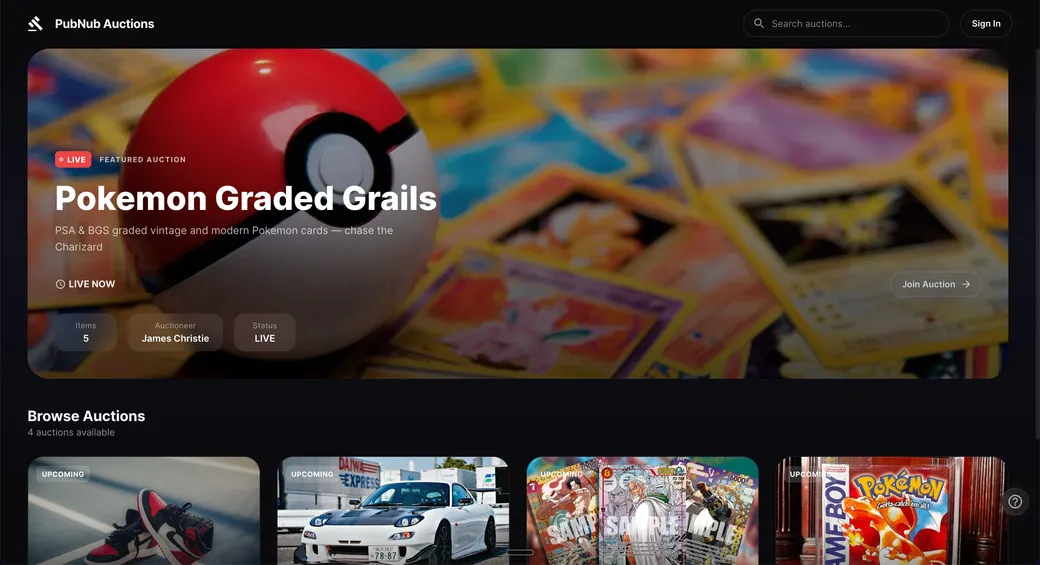
This demo is a live auction for collectibles, such as graded trading cards, sneakers, and cars. On the start page, pick a demo account: the auctioneer, James Christie, or a bidder, such as Alice Chen. Bidders join the live auction, bid, chat, and raise a paddle. The auctioneer runs the sale from a console: moves through the lots, calls Going once, Going twice, and Sold, and sends announcements. Open the demo in two windows with different accounts to see both sides. The auctions, lots, and bids are sample data. The ? button starts a guided tour of how the room is built.
The app is built with React, TypeScript, and Vite, and uses the PubNub JavaScript SDK. There's no auction server. Auctions, lots, and user profiles are stored in App Context. Bids, chat, and the auctioneer's commands are messages on PubNub channels. Each session gets an Access Manager token from a small token service.
The video panel is built for the auctioneer's camera, streamed with Red5 Pro over WebRTC. When no live stream is connected, the room plays a recorded video instead.
Pick +$100, +$500, +$1K, or +$5K, or type your own amount. Each bid is published to the auction's bids channel. Every bidder's current price and leader update, and the bid shows up on the auctioneer's console.
When you enter the room, it loads the latest bids and chat messages from Message Persistence. You see the bid history and the conversation so far, then new messages arrive live.
Chat runs on its own channel. The same feed shows each new bid and the auctioneer's calls and announcements, so the conversation and the sale stay in one place.
Tap the hand to raise your paddle. It's sent as a signal, a small message that isn't stored. The auctioneer's console shows who raised a paddle for a few seconds.
Sign in as the auctioneer to run the sale. Each button publishes a control message, and every bidder sees the same Going once, Going twice, or Sold banner. Next lot, pause, and end work the same way, and the auction's state is saved in its App Context channel metadata.
The viewer count in the header comes from Presence. A Here Now call gives the count when you join, and presence events update it as people enter and leave the room.
The source code of this demo isn't public. To build your own auction with PubNub, follow the auction tutorial.
Tutorial
A step-by-step JavaScript tutorial for a simpler auction app: create auctions, bid in real time, and count the active bidders with Presence.
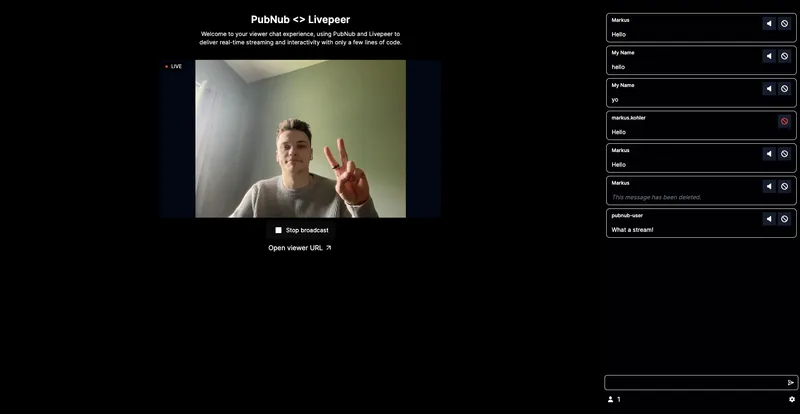
This live-streaming demo shows how you can create interactive experiences that engage audiences in real-time as well as tools to moderate your audience.
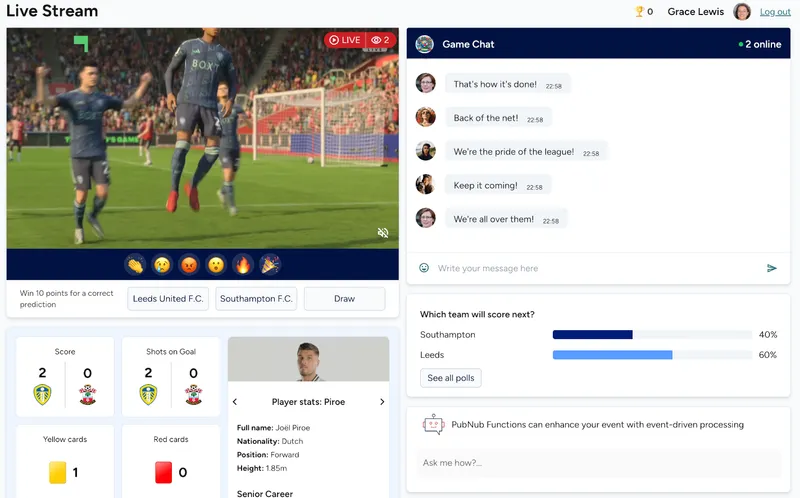
Building a live event app such as a sports match, a concert, or streamed media event? Easily add real-time features like chat, polls, reactions, data sync, and gamification with PubNub
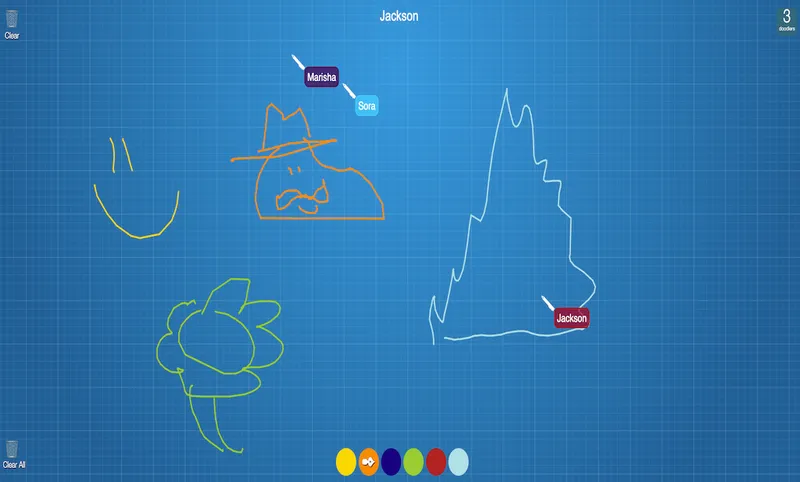
Draw with your friends! Powered by PubNub, our real-time collaboration demo demonstrates a simple drawing application that allows for multiple users to draw at the same time on a canvas.
Bring chat, live updates, and real-time interactions into your application without building the infrastructure from scratch.