Tutorial
Build a multi-user drawing app
Step by step: canvas setup, publishing strokes, cursors as signals, names in Presence state.
Sketch on a shared canvas with anyone who opens the demo. Strokes, cursors, and names sync live, built with plain JavaScript and the PubNub JavaScript SDK.
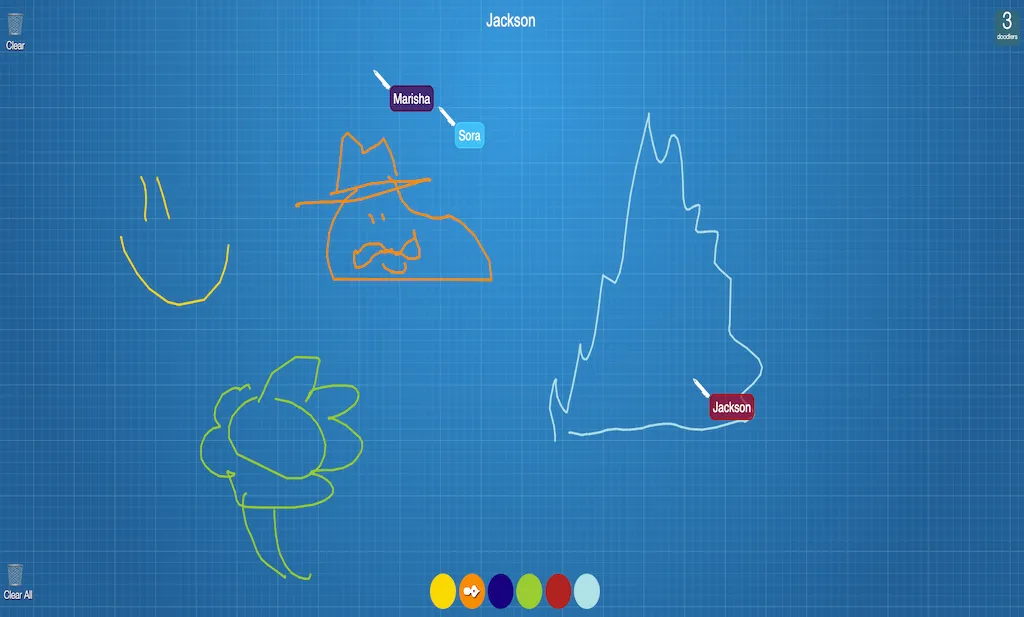
CoDoodler is a multi-user drawing app built with the PubNub JavaScript SDK, the HTML Canvas API, and plain JavaScript, HTML, and CSS. There are no other libraries or frameworks, and no backend to run.
Every stroke you draw is published to a shared channel, your cursor position travels as a lightweight signal, and the name you type is stored as Presence state. Everyone on the canvas sees who is drawing what, as it happens. The source code is open on GitHub, and the step-by-step tutorial walks you through building it yourself.
Your strokes reach everyone on the canvas as PubNub messages, sent in small batches of line segments so drawing stays smooth.
Cursor positions go out as signals: small, fast messages that aren’t stored, made for high-frequency updates like pointer movement.
Type a name and it follows your cursor on every screen. It’s stored as Presence state, so people who join later see it too.
The counter in the corner shows how many people are on the canvas, updated live as they join, leave, or time out.
Clear wipes your own screen. Clear All publishes a message that clears the canvas for everyone.
Follow the tutorial from an empty folder to a working shared canvas, or clone the finished app and start changing it.
Tutorial
Step by step: canvas setup, publishing strokes, cursors as signals, names in Presence state.
GitHub
The complete source. Add your publish and subscribe keys to js/config.js and open index.html.
git clone https://github.com/PubNubDevelopers/collaboration-demo.gitPubNub makes it easy to create real-time auctions with tons of features.
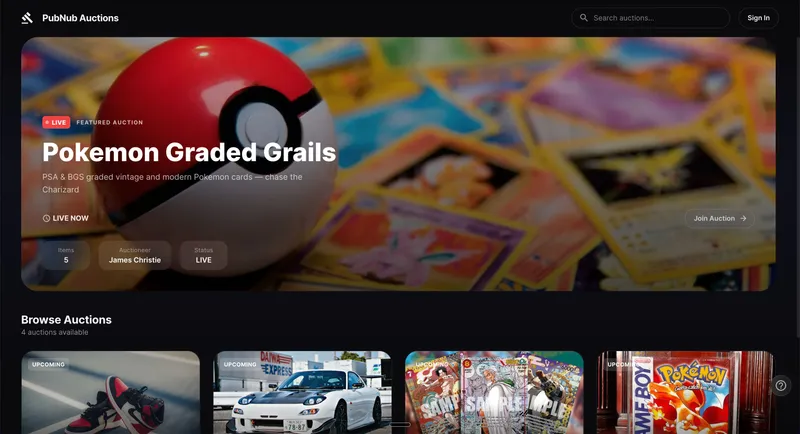
A live auction experience combining PubNub real-time bidding, chat, and presence with Red5 Pro ultra-low latency video — fully serverless, no backend required.
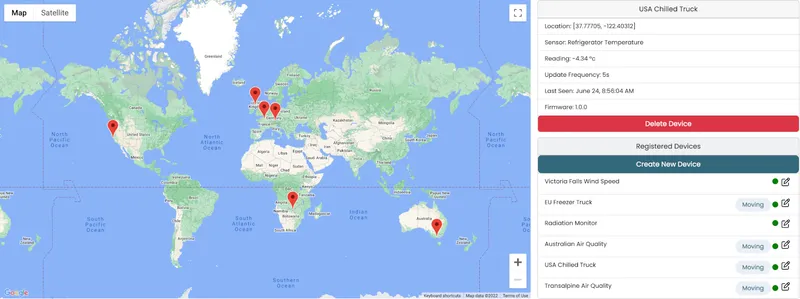
PubNub’s high availability, scalable infrastructure is ideal for IoT solutions with thousands of devices spread across a large geographical area
Bring chat, live updates, and real-time interactions into your application without building the infrastructure from scratch.