Create a Speech to Text Chat Room with Wit and PubNub


Good News! We've launched an all new Chat Resource Center.
We recommend checking out our new Chat Resource Center, which includes overviews, tutorials, and design patterns for building and deploying mobile and web chat.
Today I'm going to show you how to add Speech to Text functionality to a chat room using Wit. Wit is a natural language processing API, meaning it takes raw audio input and processes it into data developers can use.
This walkthrough is also available via video. Follow along with the instructions below. Additionally, you can check out the full speech to text chat demo here.
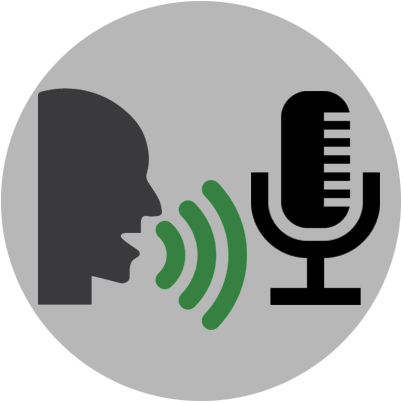
First, we need a chat room.
You’ll first need to sign up for a PubNub account. Once you sign up, you can get your unique PubNub keys in the PubNub Developer Portal. Once you have, clone the GitHub repository, and enter your unique PubNub keys on the PubNub initialization, for example:
Let’s start with the Chat in 10 lines of lines of code tutorial. I've embedded the full example here. You can play around with the chat room by typing a message in the input field and pressing “Enter” or “Return.”
See the Pen PubNub Chat in 10 lines of Code by Ian Jennings (@ianjennings) on CodePen.
When sending your message, a publish action is made on the PubNub network using the PubNub Javascript SDK. All clients that are subscribed to the same channel will receive that message.
Here we take the value from the input box and publish it to our ‘chat' channel.
Subscribing to the channel is just as easy. Supply the channel name and a function to call when a message is received.
Here we subscribe to the same ‘chat' channel and append add the text to the chat output when we receive a message.
Now that we've got our chat example, let’s add speech to text voice recognition! We're going to combine Wit’s Microphone example with our chat example.
Note: Microphone relies on WebRTC, which works on Chrome, Firefox and Opera right now. Safari and IE don't support WebRTC yet.
Follow the directions on the Wit site to set up your Microphone example or skip ahead to the fun part and play with my hosted demo.
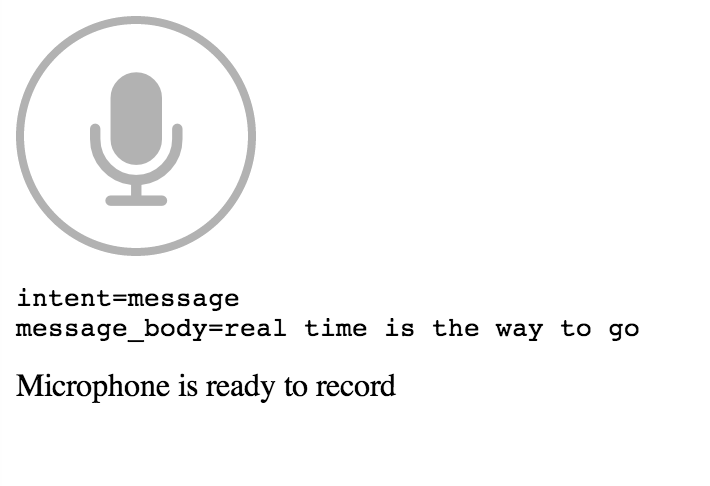
Press the microphone button then say “send a message” and then your message. You should see the following appear below the microphone icon.
The first result is the parsed intent that you programmed Wit to recognize. The second is the message_body, the parsed message for that intent.
Note, when you use your own API key, you'll need to train Wit to use your own intents like my “send a message” intent.
Now let’s combine the two demos to create a speech to text chat room!
All we need to do is hook up the mic.onresult results to a PubNub publish. Then, whatever message gets returned by Wit will be published to chat!
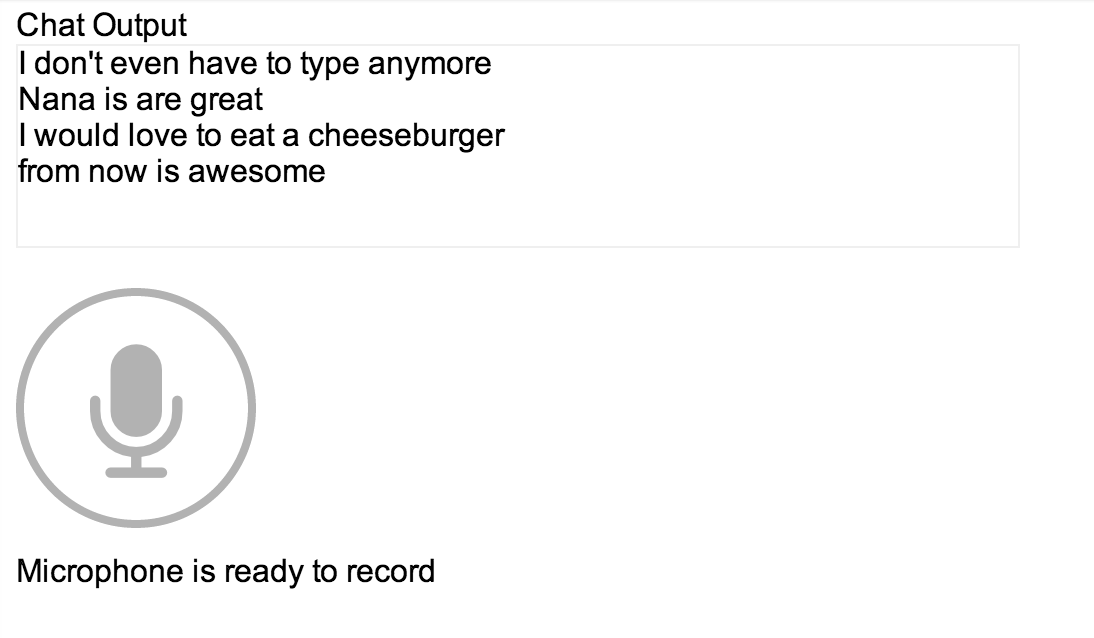
Check out the full working demo here or browse the source.
There are all sorts of improvements that can be made to this demo. We can support more intents like “who’s here” or show who’s talking by combining more Wit and PubNub features. An expanded demo is coming soon.
Get Started
Sign up for free and use PubNub to power real-time
speech to text chat