Tutorial
Create a real-time data streaming application
A Node.js tutorial that shows two ways to stream data: publish and subscribe with the PubNub SDK, and HTTP Streaming. It also includes Python for HTTP Streaming.
Pick a data stream and watch its messages arrive in your browser. Switch streams, pause, and see the code for the stream you are watching. Built with the PubNub JavaScript SDK.
PubNub runs a few public sample data streams, so you can prototype a streaming app before you have data of your own. This demo is a small web page that subscribes to them. It is plain HTML and JavaScript with Bootstrap, and it uses the PubNub JavaScript SDK.
Each stream is a channel on a public subscribe key. Game State, Sensor Network, and Market Orders are simulated. Wikipedia Changes carries recent edits to en.wikipedia.org. The stream labelled Twitter replays recorded public posts; it is not a live feed from X. The page only subscribes and never publishes, so you don't need your own keys to run it. The source code is open on GitHub, and the tutorial shows how to build a streaming app of your own.
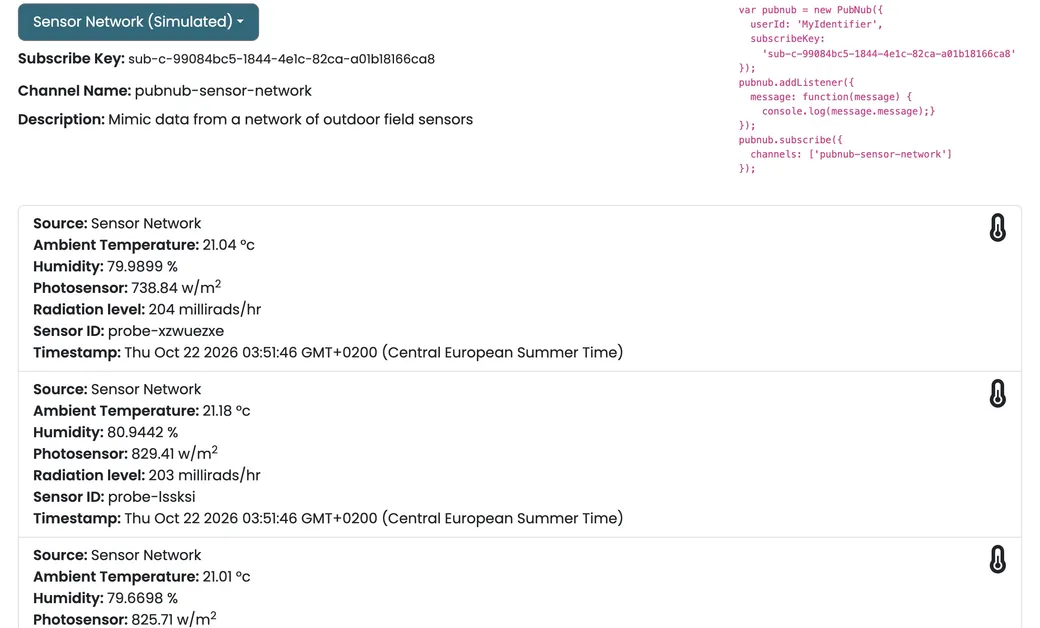
Choose a stream from the dropdown: the Twitter replay, Wikipedia Changes, Game State, Sensor Network, or Market Orders. The page shows its subscribe key, channel name, and description, then subscribes to that channel.
A message listener adds each message to the top of the list as it arrives, with its fields laid out and a timestamp from the message timetoken. The list keeps the latest 200 items.
Next to the stream details, a JavaScript snippet shows how to create a PubNub client with that subscribe key, add a message listener, and subscribe to the channel. It changes when you switch streams.
Pick another stream and the page unsubscribes from the current channel before it subscribes to the new one. Choose None (Paused) to unsubscribe from everything and clear the snippet.
The client is created with just a subscribe key and a user ID. Without a publish key it can receive messages but not send them, which is all a stream viewer needs.
Follow the tutorial to build a streaming app of your own, or clone this demo and open it in your browser.
Tutorial
A Node.js tutorial that shows two ways to stream data: publish and subscribe with the PubNub SDK, and HTTP Streaming. It also includes Python for HTTP Streaming.
GitHub
The complete source. Clone the repository and open index.html. You don't need your own keys, because the page only subscribes to existing streams.
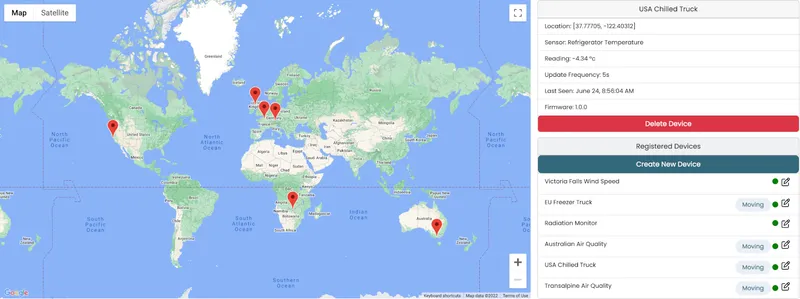
git clone https://github.com/PubNubDevelopers/Real-Time-Data-Streaming-Demo.gitPubNub's high availability, scalable infrastructure is ideal for IoT solutions with thousands of devices spread across a large geographical area
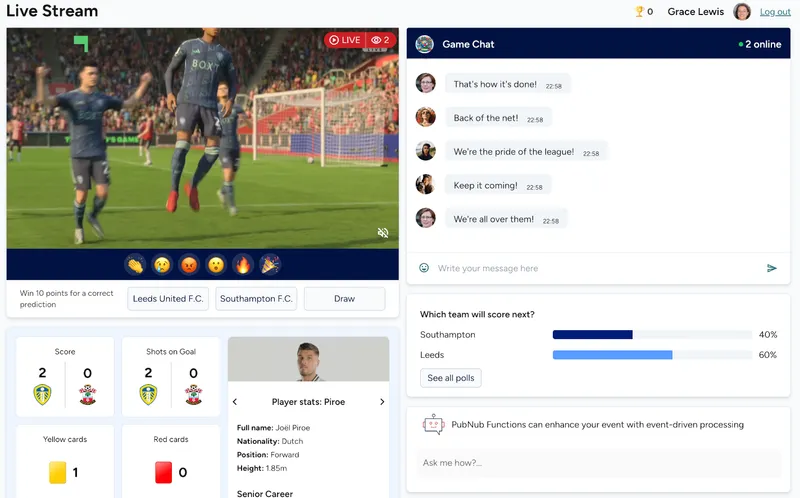
Building a live event app such as a sports match, a concert, or streamed media event? Easily add real-time features like chat, polls, reactions, data sync, and gamification with PubNub
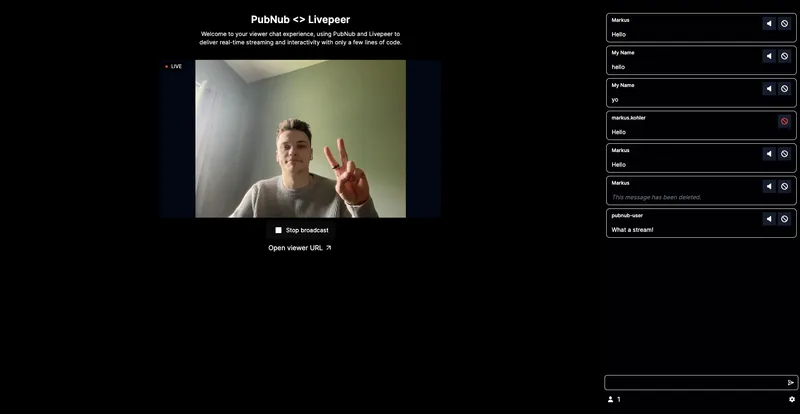
This live-streaming demo shows how you can create interactive experiences that engage audiences in real-time as well as tools to moderate your audience.
Bring chat, live updates, and real-time interactions into your application without building the infrastructure from scratch.